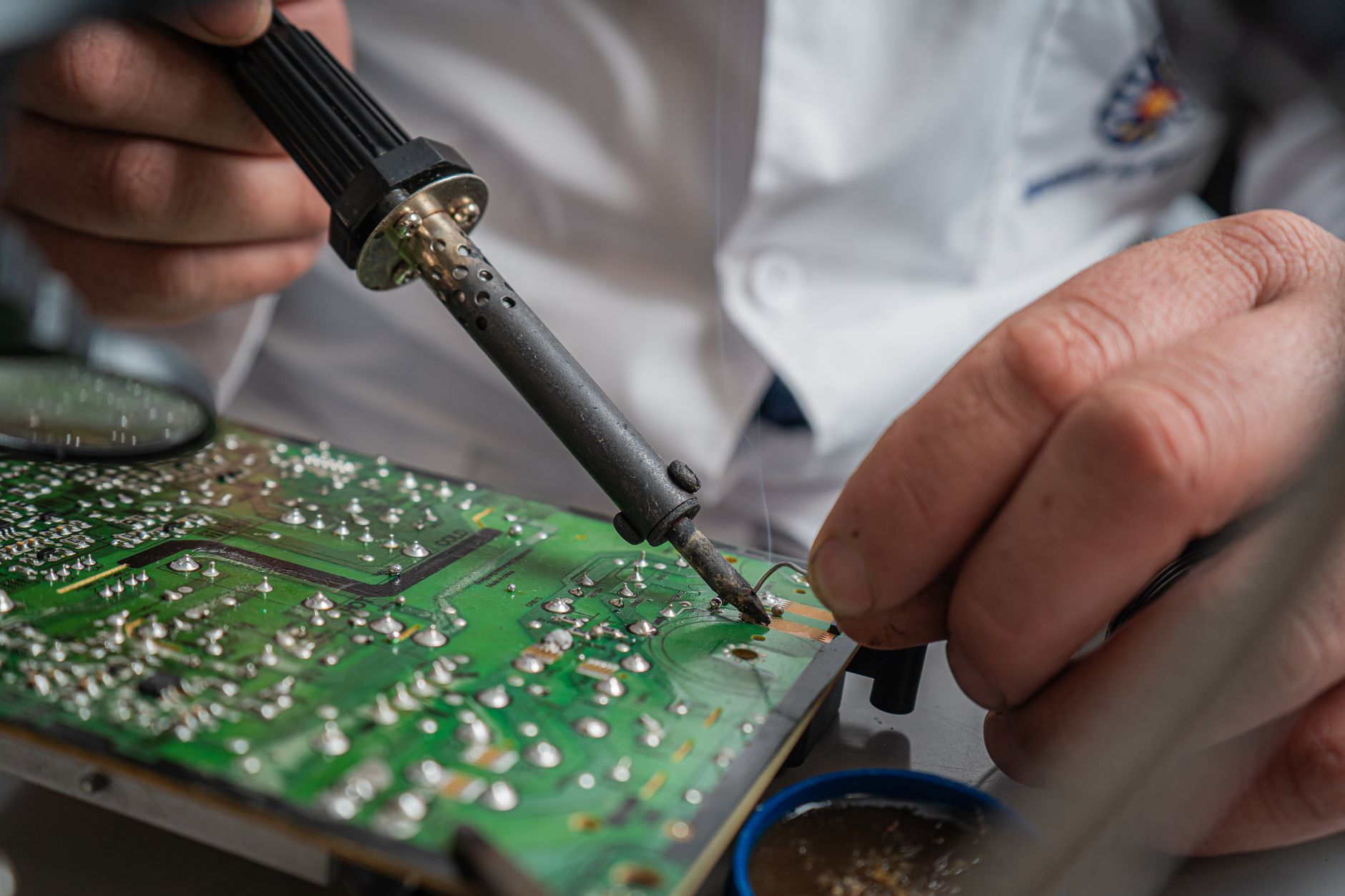
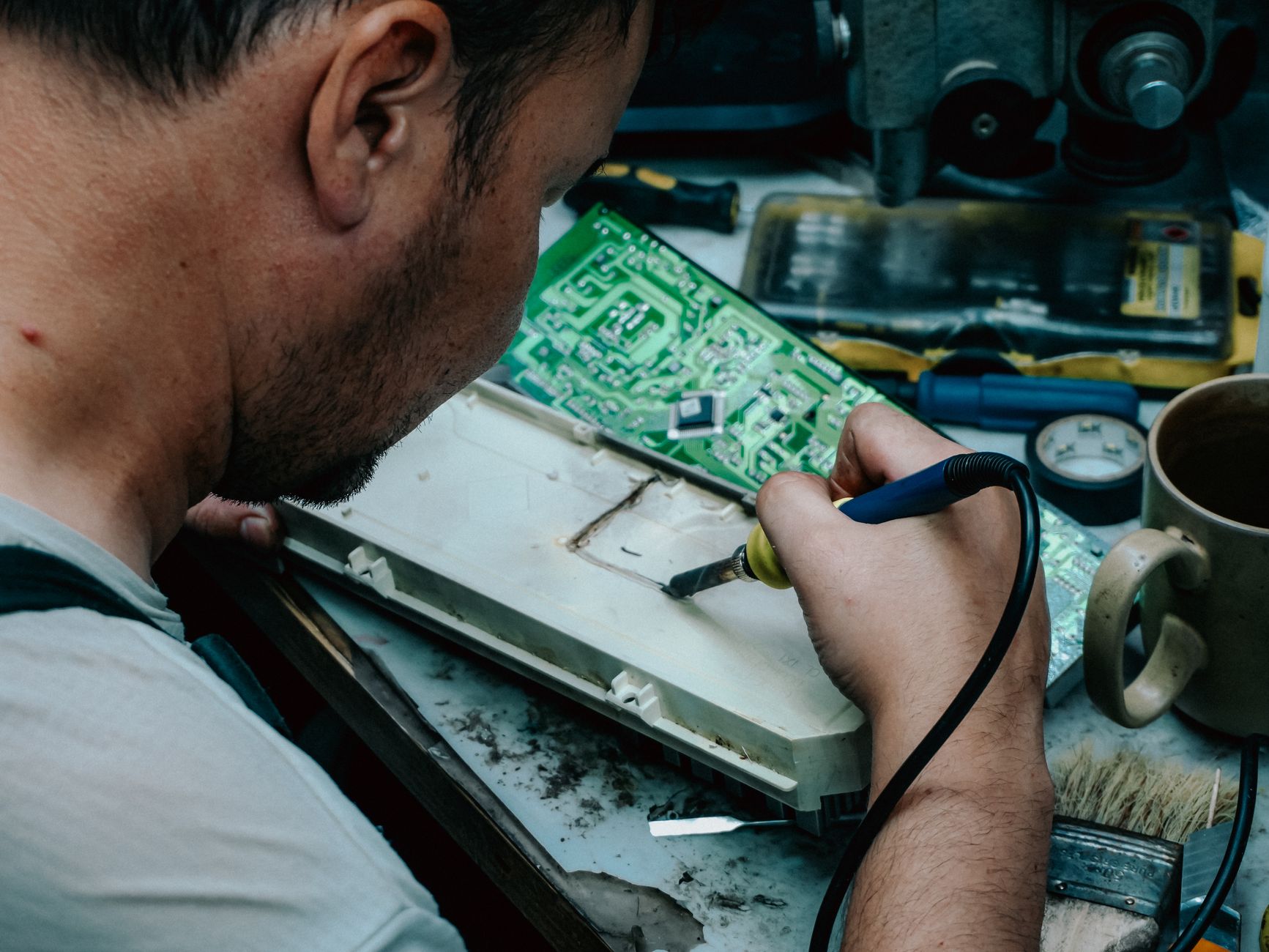
A second repair for the same issue costs a shop 2.5x more in labor and parts—and frustrates customers. The difference between a one-time fix and a repeat job often comes down to a systematic electronics repair quality control process. This checklist covers the post-repair checks that stop devices from coming back, how to embed them into your workflow (not just paperwork), and what data to track to protect your margins. Missed steps here mean lost revenue, wasted parts, and damaged reputation.
A Quality Control Checklist for Electronics Repairs
Electronics repair shops lose $1,200–$3,500 per month on repeat jobs for the same issue—costs that add up to 12–20% of annual revenue for a mid-sized shop. The root cause? Inconsistent electronics repair quality control. A device that fails post-repair isn’t just a technical mistake; it’s a breakdown in process, documentation, or follow-up. This checklist ensures every repair meets your shop’s standards before it leaves your hands, reducing callbacks by 40–60% while protecting your margins.
Key Takeaways
- Post-repair checks (functional tests, visual inspections, customer handoff) catch 70% of avoidable callbacks before they happen.
- Embed checks into workflows—use digital tickets with automated reminders (e.g., "Did you test the screen under direct sunlight?") to avoid paperwork bottlenecks.
- Track three critical data points per job: repair notes, part serial numbers, and customer feedback to spot recurring issues.
- Common cost traps: Skipping torque checks on screws (leads to loose connections), not testing under real-world conditions (e.g., heat for laptops), or assuming "it works" means it’s fixed.
- Warranty impact: 35% of shops see warranty claims spike after sloppy quality control—document everything to push back on fraudulent returns.
The 5 Non-Negotiable Post-Repair Checks
Every repair should pass these tests before closing the ticket. Use this as a mandatory step in your workflow, not an optional add-on.
1. Functional Test Under Real Conditions
"Does it work in the environment the customer uses it?"
- Laptops/Tablets: Test battery life (charge/discharge cycle), screen under direct sunlight, and keyboard/touchpad under pressure.
- Phones: Simulate drops (if repaired for physical damage), test camera in low light, and check speaker/microphone volume at max settings.
- Gaming Consoles: Play a 30-minute session with controllers to test heat output and input lag.
- Pro Tip: 68% of screen replacements fail within 3 months if not tested for dead pixels or backlight bleed under bright light. Use a pixel-perfect test tool (e.g., LCD Test) for 2 minutes post-repair.
Data Point: Shops that skip real-world testing see 15% more returns for "still not working" claims.
2. Physical Inspection for Loose Components
"Is everything secured like it was before the repair?"
- Screws/Nuts: Check torque on critical components (e.g., laptop hinge screws should be at 0.8–1.2 Nm—over-tightening cracks the chassis).
- Adhesives: Ensure no gaps in screen or battery adhesives (use a UV flashlight to check for improper curing).
- Cables: Wiggle flex cables (e.g., phone digitizers) to confirm no loose connections.
- Warning Sign: If a repair involves more than 5 screws, photograph the disassembly order and torque settings—42% of multi-screw repairs fail due to misaligned reassembly.
3. Software and Firmware Validation
"Is the device running the correct OS/version?"
- Phones/Tablets: Verify the exact firmware version (e.g., iOS 17.4.1, Android 14.1) and restore default apps if customizations were removed.
- Laptops: Check for driver conflicts (e.g., NVIDIA/AMD GPU drivers) that can cause overheating.
- Consoles: Ensure no jailbreak/tweak remnants remain (common in "hacked" repairs).
- Cost Trap: $85 average labor cost to reflash firmware if skipped initially.
4. Customer Handoff and Education
"Does the customer know how to avoid damaging the repair?"
- Written/Verbal Checklist: Hand them a one-page guide (e.g., "Avoid charging your phone while gaming" for battery repairs).
- Warranty Clarity: Say aloud, "This repair is covered for [X] days under our [policy]. Here’s what voids it." (Reference: Setting a Warranty Policy for Electronics Repairs)
- Follow-Up Call/Text: 3 days post-repair, ask, "How’s [device] working?" This catches 22% of issues before they escalate.
5. Documentation Audit
"Can we reproduce this repair in 30 minutes?"
- Photos/Videos: Every repair should have before/after photos of critical components (e.g., motherboard, screen flex cables).
- Part Serial Numbers: Record exact part numbers (e.g., "Apple A15 Bionic chip, lot #BX987") to track recalls or counterfeit parts.
- Technician Notes: Example: "Replaced charging port—tested with 3 different cables, all work. Customer advised on IP68 limitations."
How to Make Quality Control Part of the Workflow (Not Paperwork)
Digital tickets with automated checklists reduce human error by 50%. Here’s how to implement it:
Step 1: Build Checklists Into Your POS
Use a repair management system to create device-specific checklists tied to each repair type. For example:
- Smartphone Screen Replacement:
- Test touch sensitivity with stylus
- Verify home button (if applicable) responsiveness
- Check for screen burn-in under bright light
- Laptop Battery Replacement:
- Test charge cycle (0% → 100% → 0%)
- Confirm no swelling or leakage
- Verify thermal paste application (if cleaned)
Tool Tip: The Quick Repairs POS includes customizable repair workflows with checkboxes that lock the ticket until completed. See inventory and repair tracking features.
Step 2: Assign Ownership
- Primary Tech: Responsible for initial repair and first round of checks.
- QA Tech (or Manager): Conducts final sign-off before billing. Pro Tip: Rotate this role weekly to avoid complacency.
- Data Entry Clerk: Ensures all photos, serial numbers, and notes are uploaded before closing the ticket.
Step 3: Set Real-Time Alerts
- Low-Margin Warnings: If a repair costs less than 1.5x the part price, flag it for extra scrutiny (common in budget phone repairs).
- Recurring Issues: If the same model/issue comes in 3x in a month, trigger a team meeting to discuss process changes.
- Example: A shop in Texas saw 18% fewer callbacks after adding a red alert for Samsung Galaxy S23 repairs involving the charging port (a known weak point).
Step 4: Tie Quality Control to Incentives
- Bonus for Zero Callbacks: Offer $20–$50 per month to techs with no repeat repairs in their category.
- Public Recognition: Highlight top-performing techs in staff meetings (e.g., "John fixed 12 laptops this month—none came back").
- Customer Feedback Loop: Use post-repair surveys (e.g., "How likely are you to return for future repairs?") and tie responses to technician bonuses.
What to Record Against Each Job (And Why)
Bad documentation = lost revenue. Here’s what to track and how to use it:
| Data Point | Why It Matters | How to Track It |
|---|---|---|
| Part serial numbers | Proves you used genuine parts (critical for warranty disputes). | Scan QR codes or log manually in POS. |
| Technician notes | Recreates the repair if the customer claims it was "already broken." | Voice-to-text dictation + photo uploads. |
| Test results | Proves the device worked post-repair (e.g., battery health % before/after). | Screenshot test reports or log in repair ticket. |
| Customer instructions | Reduces "I didn’t know I couldn’t do X" warranty voids. | Auto-generate PDF checklist attached to invoice. |
| Follow-up status | Catches 22% of issues before they become complaints. | POS reminder to call/text customer 3 days post-repair. |
Cost of Poor Records:
- $120 average labor cost to reopen a ticket with missing notes.
- 35% of warranty claims are denied when shops lack documentation.
Common Mistakes That Kill Quality Control
Avoid these pitfalls that turn one-time repairs into repeat jobs:
Assuming "It works" means it’s fixed
- Example: A MacBook Pro may power on but overheat due to improper thermal paste. Solution: Run Geekbench stress test for 10 minutes post-repair.
Skipping torque specifications
- Example: iPhone home button replacements often fail if screws aren’t torqued to 0.5–0.7 Nm. Solution: Use a digital torque wrench and log settings.
Not testing under customer conditions
- Example: A gaming laptop may work fine in the shop but throttle under load. Solution: Play Cyberpunk 2077 for 20 minutes post-repair.
Ignoring software quirks
- Example: A Windows 11 update can brick a repaired motherboard. Solution: Roll back drivers post-repair and confirm stability.
Letting techs rush checks
- Example: 10-minute final tests vs. 30-second "looks good". Solution: Build buffer time into repair estimates.
When to Replace vs. Repair (And How to Justify It)
Some "repairs" are cost traps. Use this table to decide:
| Component | Repair Cost (Labor + Parts) | Replacement Cost (New Part) | Break-Even Point | Recommendation |
|---|---|---|---|---|
| iPhone 15 Pro Screen | $180–$250 | $350–$450 | 2 repairs | Replace if >1 repair expected. |
| MacBook Pro Battery | $120–$180 | $200–$300 | 1.5 repairs | Replace if battery health <60%. |
| PS5 Motherboard | $400–$600 | $500–$700 | 1 repair | Replace if symptoms persist post-repair. |
| Dell XPS Laptop Screen | $150–$220 | $250–$350 | 1.5 repairs | Replace if dead pixels or backlight issues. |
Key Rule: If the repair cost is >60% of the part price, consider replacement. Reference: How to Price Electronics Repairs for Profit in 2026.
FAQ: Electronics Repair Quality Control
Q: How much does poor quality control cost a repair shop annually?
A: $25,000–$75,000 per year for a mid-sized shop (based on 15–25% of revenue lost to callbacks, parts waste, and warranty fraud). Shops with digital checklists see costs drop by 40–50%.
Q: What’s the most common reason for repeat repairs?
A: Loose connections (35%), followed by improper software/firmware (28%), and physical stress tests not performed (22%). Source: 2026 Electronics Repair Benchmark Report by Repair Shop Insights.
Q: Should we offer a longer warranty for repairs that pass strict quality checks?
A: Yes—but structure it carefully. Example:
- Standard warranty: 90 days for all repairs.
- Premium warranty (30-day extension): +$10 charge, applies only to jobs with full documentation, photos, and real-world testing.
- Result: 20% increase in upsells and 12% fewer complaints.
Q: How do we handle customers who say "It was working before I brought it in"?
A: Document everything:
- Before photos/videos of the issue.
- Technician notes stating the exact problem (e.g., "Customer reported screen flickering—replaced backlight inverter").
- Post-repair test results (e.g., "Screen tested for 5 minutes under direct sunlight—no flickering").
- Witness statement (if possible): "I demonstrated the fix to [customer name] before handing over the device."
- Stat: Shops with video proof win 87% of disputes vs. 42% with only photos.
Q: What’s the best way to train new techs on quality control?
A: Role-play scenarios:
- Mistake Drills: Have them intentionally skip a step (e.g., not testing battery life) and discuss the fallout.
- Real-World Cases: Show before/after videos of failed repairs (e.g., a Samsung Galaxy S24 that came back for a loose camera module).
- Gamify Checks: Use a points system where techs earn badges for zero-callback repairs.
- Pro Tip: Assign a senior tech as a "quality buddy" for new hires for the first 30 days.
Final Thought: Quality Control = Revenue Protection
A repair that fails post-service isn’t just a technical failure—it’s a business failure. The cost of a callback isn’t just the $120–$300 in labor; it’s the lost customer trust, the wasted parts, and the reputation hit that makes them hesitate to return.
The Quick Repairs POS helps shops automate quality checks, track documentation, and reduce callbacks—so you can focus on growing revenue, not putting out fires. Talk to an expert to see how digital workflows can cut your repeat repairs by half.
References:
- 2026 Electronics Repair Benchmark Report: Repair Shop Insights
- Torque Specifications for Apple Devices: iFixit Professional
- Consumer Electronics Warranty Trends: Consumer Reports 2026