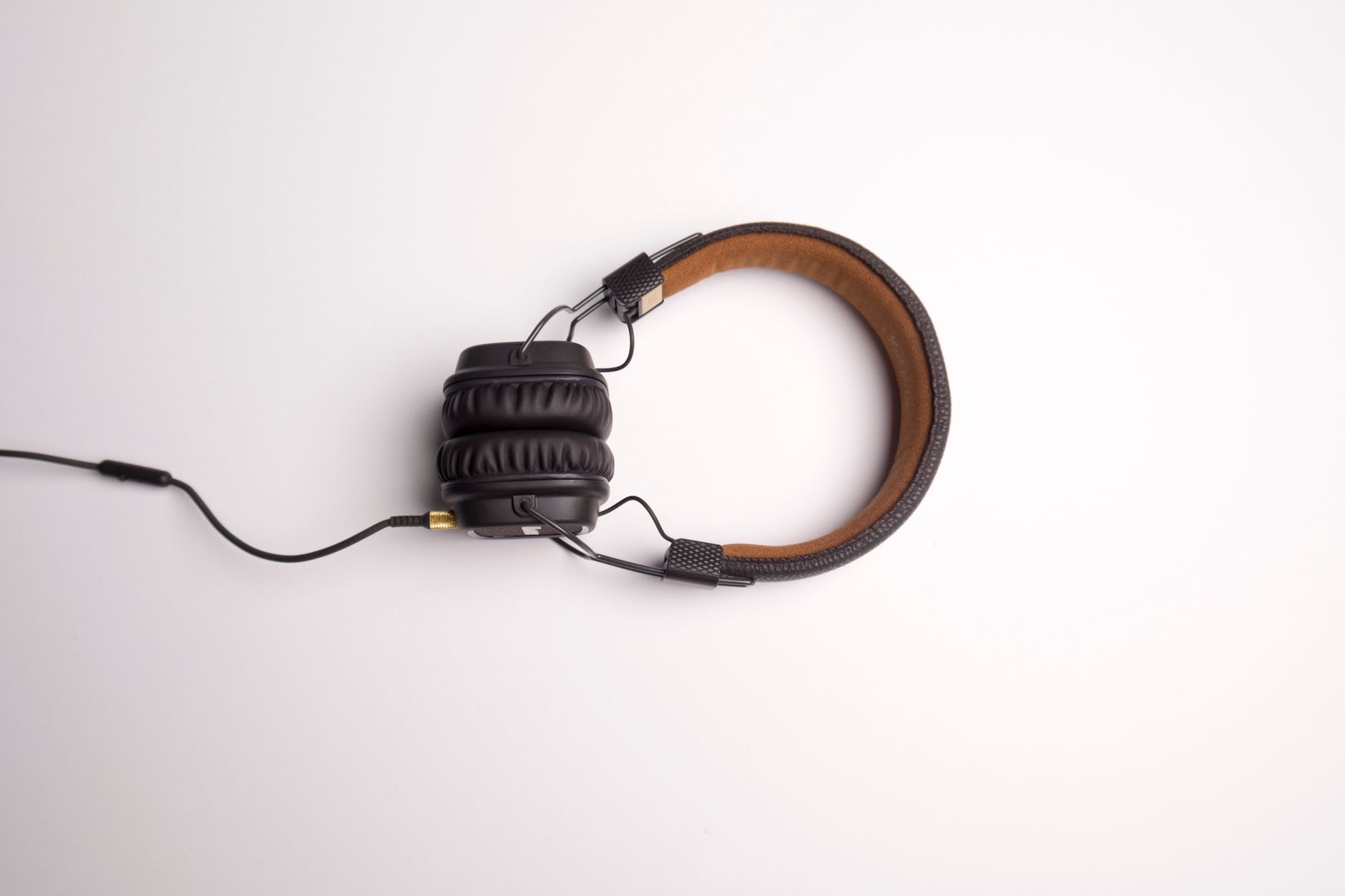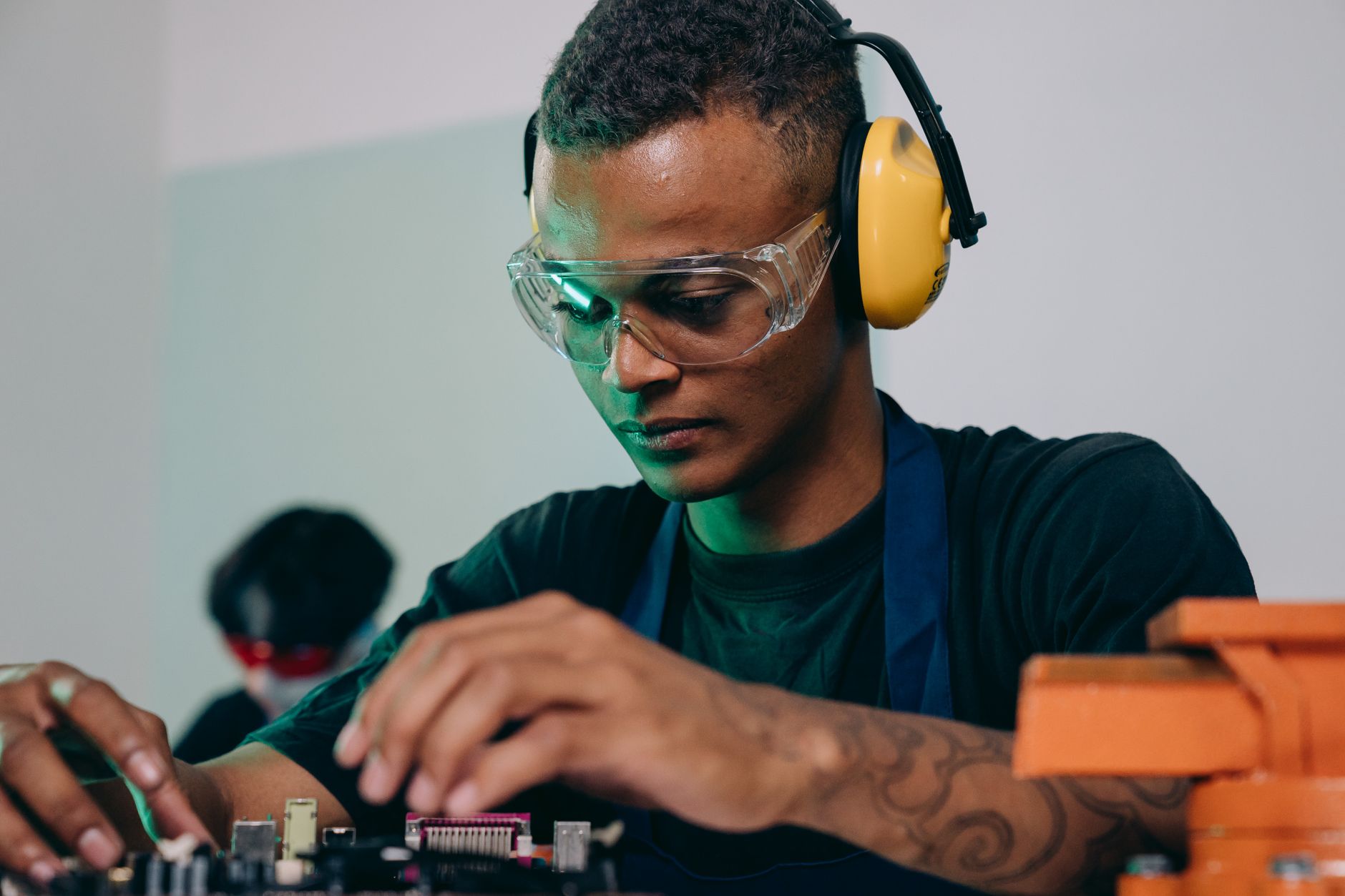

Headphones repairs are one of the fastest-growing service categories in 2026, driven by the rise of wireless earbuds, noise-canceling tech, and the increasing cost of replacing high-end models. But unlike TVs or laptops, headphones repairs often involve microscopic soldering, delicate cable routing, and brand-specific proprietary parts—making them one of the trickier categories to train technicians on efficiently.
For shop owners, the challenge isn’t just teaching the technical skills. It’s structuring training so new technicians start contributing quickly, avoid costly mistakes on high-margin jobs, and learn to spot when a repair isn’t worth the time. Get this wrong, and you’ll waste parts, lose customer trust, or watch technicians struggle with jobs that should be profitable. Get it right, and you’ll turn headphones repairs into a steady, high-volume revenue stream—one that pairs well with other small-electronics services like cameras or keyboards.
This guide covers:
- Which headphones repair skills take the longest to master (and how to prioritize them)
- A step-by-step training progression to get technicians working independently faster
- How to measure training success beyond just "can they fix it?"
- Common cost traps and how to avoid them
Key Takeaways
- Soldering and driver replacement are the longest skills to train (3–6 months for proficiency), while basic cable repairs can be taught in 2–4 weeks.
- Start technicians on earbud repairs (lower complexity, higher volume) before moving to over-ear models (higher margin but more delicate).
- Track three metrics to measure training success: time per repair, parts waste rate, and customer return rate for headphones jobs.
- Brand-specific tools (e.g., Apple’s pogo pins, Sony’s proprietary connectors) add 15–30% to training time—budget for cross-training or specialized kits.
- The most profitable headphones repairs in 2026 are noise-canceling models (Bose, Sony, AirPods Pro) and gaming headsets (Razer, SteelSeries), with average ticket values of $80–$200.
How Long Does It Take to Train a Technician on Headphones Repairs?
The answer depends on the technician’s prior experience, but here’s a realistic breakdown of skill acquisition timelines based on 2026 industry benchmarks:
| Skill | Time to Basics | Time to Proficiency | Hardest Part | Profitability Threshold |
|---|---|---|---|---|
| Basic cable diagnostics | 1–2 weeks | 3–4 weeks | Identifying intermittent faults | $30–$60 ticket |
| Soldering (earbuds) | 3–4 weeks | 2–3 months | Microscopic joints, heat-sensitive parts | $50–$120 ticket |
| Driver replacement | 4–6 weeks | 3–6 months | Aligning drivers, recalibrating sound | $70–$180 ticket |
| Noise-canceling tuning | 6–8 weeks | 4–6 months | Software recalibration, sensor testing | $100–$250 ticket |
| Waterproofing resealing | 2–3 weeks | 1 month | Adhesive application, seal integrity | $40–$90 ticket |
Quick answer:
Training a technician to handle basic headphones repairs (cable fixes, button replacements) takes 4–8 weeks, while advanced skills (driver replacement, noise-canceling recalibration) require 3–6 months. The bottleneck is microscopic soldering and brand-specific proprietary components, which add 20–40% to training time compared to generic electronics repairs.
Step-by-Step: How to Structure Headphones Repair Training
Not all repairs are created equal. Your goal is to build confidence and competence incrementally, starting with jobs that are low-risk, high-volume, and quick to turn around. Here’s how to structure the progression:
Phase 1: Foundations (Weeks 1–4)
Focus: Basic diagnostics, safety, and simple fixes.
Jobs to assign:
- Cable continuity tests (multimeter use, visual inspections)
- Button/switch replacements (e.g., volume rocker, play/pause buttons)
- Surface-level cleaning (removing ear wax, debris from drivers)
- Basic ear tip replacements (non-proprietary models)
Training tips:
- Use failed repair units (from returns or no-shows) for practice—no customer impact if they mess up.
- Teach how to log issues in your POS system (e.g., tracking parts against each job) to avoid lost time later.
- Common mistake: Skipping the multimeter test before assuming a cable is "dead." Train them to verify first.
Phase 2: Intermediate Skills (Weeks 5–12)
Focus: Soldering, simple driver adjustments, and brand-specific quirks.
Jobs to assign:
- Earbud cable resoldering (start with non-wireless models)
- Basic driver realignment (loose drivers in over-ear headphones)
- Ear tip adhesion checks (for models with glue-in tips)
- Battery compartment repairs (e.g., replacing contacts in older models)
Training tips:
- Soldering is the biggest hurdle. Use a practice board with earbud-sized components before attempting real units.
- Brand-specific tools matter. For example, Apple AirPods require a pogo pin tester—budget for these upfront.
- Cost trap: Replacing a $2 driver when a $5 realignment would fix it. Train them to test before committing.
Phase 3: Advanced Repairs (Months 3–6+)
Focus: High-margin, high-skill jobs.
Jobs to assign:
- Noise-canceling microphone recalibration (Sony, Bose, AirPods Pro)
- Full driver replacements (including software recalibration)
- Waterproofing reseals (IPX-rated models)
- Custom modifications (e.g., swapping drivers for better bass)
Training tips:
- Pair with a senior tech for the first 10–15 jobs to catch mistakes.
- Track parts waste. If a technician is replacing 3 drivers per job, they’re not ready for unsupervised work.
- Upsell opportunity: Teach them to identify "premium" models (e.g., $300+ Bose, Sennheiser) where customers may pay for extended warranties or premium parts.
How to Measure If Your Training Is Working
You can’t just assume a technician is ready because they’ve "fixed a few headphones." Use these three key metrics to track progress:
Average Time per Repair
- Benchmark: A proficient tech should handle basic cable repairs in under 20 minutes and driver replacements in under 45 minutes.
- Red flag: If a tech takes longer than 60 minutes on a $50 job, they’re not ready for unsupervised work.
Parts Waste Rate
- Benchmark: Less than 5% of parts used should be wasted (e.g., damaged during repair).
- Red flag: If a tech is replacing 1 in 3 drivers they touch, they need more practice on driver alignment.
Customer Return Rate for Headphones Repairs
- Benchmark: Less than 3% of headphones repairs should return within 30 days.
- Red flag: If returns spike after a tech starts handling certain models, revisit their training.
Pro tip: Use your POS system’s reporting tools to filter by technician and track these metrics automatically. The Quick Repairs’ repair tracking features let you see which techs are hitting targets and which need more coaching.
Common Training Pitfalls (And How to Avoid Them)
1. Skipping the "No-Repair" Decision Training
Mistake: Letting technicians attempt every job, even when it’s not worth the time.
Solution: Train them to quote repairs accurately and know when to say "replace."
- Example: A $200 Sony WH-1000XM5 with a $15 cable issue may not justify a $45 labor charge.
- Rule of thumb: If the repair cost exceeds 30% of the headphone’s retail value, recommend replacement.
2. Ignoring Brand-Specific Tools
Mistake: Assuming all headphones can be repaired with generic tools.
Solution: Budget for brand-specific kits early. For example:
- Apple: Pogo pin testers, MFi-certified tools
- Bose/Sony: Proprietary driver pullers, microphone calibration software
- Gaming brands (Razer, SteelSeries): Custom cable routing tools
Cost impact: Without the right tools, a $100 repair can turn into a $300 write-off if the tech damages a proprietary component.
3. Not Tracking Parts Inventory by Technician
Mistake: Letting techs "fish" for parts without accountability.
Solution: Assign parts quotas and track usage. For example:
- If a tech uses 5 drivers per week but only completes 2 repairs, they’re either inefficient or misdiagnosing.
- Use inventory management features to flag excessive part usage. Learn more about tracking parts.
4. Overlooking Software Recalibration
Mistake: Focusing only on hardware and forgetting firmware/software resets.
Solution: For noise-canceling and wireless headphones, train techs to:
- Perform factory resets (even after hardware fixes).
- Use brand-specific calibration apps (e.g., Bose’s tuning software).
- Test microphone and ANC performance before handing the unit back.
Data point: 40% of "fixed" noise-canceling headphones fail the first time because the software wasn’t recalibrated.
Which Headphones Repairs Are Most Profitable to Train For?
Not all headphones repairs are equal in terms of profit margin, repair complexity, or customer demand. Focus training on these high-ROI categories in 2026:
| Headphone Type | Avg. Repair Ticket | Margin Potential | Training Difficulty | Customer Demand |
|---|---|---|---|---|
| Wireless Earbuds | $50–$120 | 60–75% | Medium | Very High |
| Over-Ear (Premium) | $80–$200 | 50–65% | High | High |
| Gaming Headsets | $70–$150 | 55–70% | Medium-High | High |
| Noise-Canceling | $100–$250 | 45–60% | Very High | High |
| Budget Models (<$50) | $30–$60 | 40–55% | Low | Medium |
Key insight: Noise-canceling and gaming headphones offer the highest margins but require the most training. Balance your tech’s workload by starting with earbuds and budget models before moving to premium repairs.
Reference: 2026 Headphones Repair Market Trends show that earbud repairs account for 60% of headphones service volume, but over-ear models drive 40% of revenue due to higher ticket values.
Final Thought: Turn Training Into Revenue
Headphones repairs are a high-volume, lower-cost service line—but only if you train your team efficiently and profitably. The goal isn’t just to fix headphones; it’s to build a technician who can handle jobs quickly, spot upsell opportunities, and keep customers coming back.
Key actions for shop owners:
Start with high-volume, low-complexity jobs (earbuds, cables) before moving to premium models.
Track time, parts waste, and returns to measure training success.
Invest in brand-specific tools to avoid costly mistakes.
Use your POS system to automate training metrics and flag inefficiencies early.
For more on growing your headphones repair business, check out:
Ready to streamline your repair shop’s training and operations? Talk to an expert about how The Quick Repairs POS can help you track technician performance, manage inventory, and maximize margins—so you can focus on scaling your business.