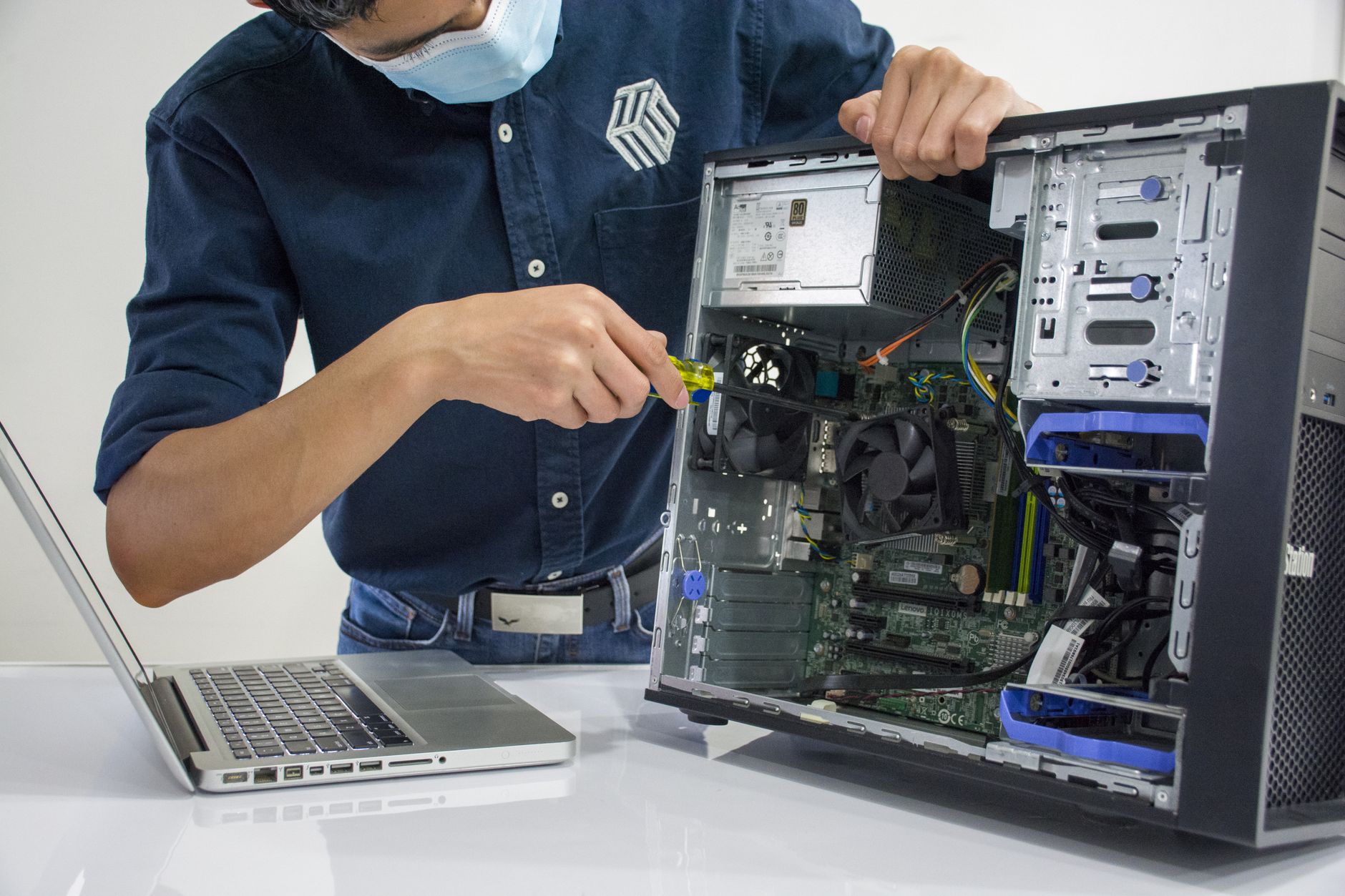
Finding reliable desktop repair parts suppliers in 2026 isn’t just about the lowest upfront price—it’s about balancing cost, quality, and long-term profitability. Cheap parts often lead to higher return rates, lost labor hours, and damaged customer trust, cutting into margins faster than a discounted bulk order ever could. This guide breaks down how to evaluate suppliers, calculate the true cost of parts (including returns and labor), and negotiate terms as your shop scales—without sacrificing service quality or burning cash on dead stock.
Sourcing Quality Desktop Parts Without Overpaying in 2026
Running a profitable desktop repair shop in 2026 means mastering two critical skills: diagnosing hardware failures accurately and sourcing parts that won’t force you to eat the cost of your own mistakes. While price is a major factor, the real expense of parts isn’t just the sticker price—it’s the hidden costs of returns, rework, and lost customer trust. In this guide, we’ll cover how to evaluate desktop repair parts suppliers, weigh the long-term impact of "cheap" parts, and build supplier relationships that grow with your business.
Key Takeaways
- Cheap parts cost more: A $5 motherboard that fails after 30 days of use can cost your shop $30–$50+ in labor, returns, and potential refunds—not to mention reputation damage.
- Supplier diversity reduces risk: Relying on a single vendor for critical components (like GPUs or SSDs) can leave you stranded during shortages or price spikes.
- Negotiation isn’t just for big shops: Even small repair shops can secure better terms by committing to volume, paying upfront, or bundling orders.
- Track returns by supplier: If 15% of parts from Supplier X fail within warranty, that’s a 25–30% effective price increase after accounting for labor.
- Inventory turns matter: Parts with a 30-day shelf life (like thermal paste or RAM) should be ordered weekly, while motherboards (6–12 months) can be bulked in smaller batches.
How to Evaluate Desktop Repair Parts Suppliers in 2026
Not all suppliers are created equal—and in 2026, with supply chain volatility still a factor, your evaluation criteria should go beyond price. Here’s what to scrutinize:
1. Return and Warranty Policies
A supplier’s return policy is the first red flag—or green light. In 2026, the average desktop repair shop sees 8–12% of parts fail within 30 days of installation, whether due to counterfeit components, defective batches, or improper handling. Ask:
- What’s the return window? (30 days is standard; anything less is risky.)
- Who pays for return shipping? If you foot the bill, factor that into your per-unit cost.
- Is there a warranty on warranties? Some suppliers (like NewEgg Pro) offer extended warranties for an extra fee—worth it if you frequently deal with high-end builds.
Pro Tip: Track returns by supplier. If Supplier A has a 20% failure rate on their budget GPUs, their "lowest price" is actually costing you $15–$20 per unit in rework.
2. Lead Times and Stock Availability
In 2026, lead times for desktop parts vary wildly:
- RAM and SSDs: Often in stock (1–3 days).
- GPUs (especially RTX 40-series): 2–4 weeks, depending on model.
- Motherboards (Intel/AMD): 1–2 weeks for mainstream; 3–6 weeks for high-end or discontinued models.
Avoid suppliers with:
- No real-time inventory tracking (their website says "in stock" but ships in 6 weeks).
- High cancellation rates (if 40% of orders get delayed, your technicians—and customers—will pay the price).
Data Point: In Q2 2026, shops using suppliers with <95% on-time delivery reported 12% more labor hours wasted waiting for parts (source: Repair Shop Insights 2026).
3. Authentication and Counterfeit Risks
Counterfeit parts are still a $45 billion problem in 2026, and desktop components (especially GPUs, CPUs, and RAM) are prime targets. How to verify:
- Look for supplier certifications: Authentic suppliers (like Micro Center or Amazon Business) often display Intel/AMD/NVIDIA authorized partner badges.
- Check for IMEI/serial number databases: Some suppliers (e.g., PCPartPicker) allow you to verify parts before purchase.
- Avoid "too good to be true" deals: A $120 RTX 4080 is almost certainly fake. Use FakeSpot to cross-reference prices.
Warning: Counterfeit GPUs can overheat within weeks, leading to motherboard failures—adding $100+ to your repair cost.
4. Bulk Discounts vs. Minimum Order Requirements
Bulk discounts sound great, but minimum order quantities (MOQs) can tie up cash. For example:
- Supplier X offers 10% off if you buy 50 motherboards.
- Supplier Y charges 5% more but has no MOQ.
Calculate your effective cost:
- If you only sell 20 motherboards/month, Supplier X’s bulk deal locks you into 25 extra units you might not need.
- If you sell 100/month, the discount may justify the risk.
Alternative: Some suppliers (like Newegg Pro) offer tiered pricing without forcing MOQs—ideal for shops scaling slowly.
The Hidden Cost of "Cheap" Desktop Parts
The upfront savings on a $20 motherboard or $30 GPU can vanish quickly when you factor in:
- Labor costs for returns/repairs
- Customer refunds or goodwill discounts
- Lost future business (a burned customer tells 9 others about their bad experience).
Real-World Cost Comparison
Here’s how a $50 "discount" part can cost your shop $150+ in hidden expenses:
| Part | Upfront Cost | Failure Rate | Labor to Replace | Customer Refund | Total Hidden Cost |
|---|---|---|---|---|---|
| Budget GPU (e.g., RTX 3050) | $120 | 15% | $60 (2 hours labor) | $120 (full refund) | $270 |
| Mid-Range Motherboard | $80 | 10% | $50 (1.5 hours) | $80 (partial credit) | $130 |
| Cheap RAM Kit | $40 | 5% | $30 (1 hour) | $40 (discount) | $70 |
Key Insight: If you repair 50 GPUs/year, even a 5% failure rate adds $1,350/year in hidden costs—enough to fund a technician’s salary for a month.
When "Cheap" Parts Make Sense
Not all budget parts are bad. Consider:
- Common, high-turnover items: Screws, thermal paste, basic cables (where failure impact is low).
- Tested budget brands: Some suppliers (like Kingston for RAM or Cooler Master for cases) have reliable budget lines.
- Parts with no labor impact: A failed $5 fan is annoying but rarely costs more than $20 to replace.
Avoid "cheap" for:
- GPUs/CPUs (thermal throttling kills other components).
- Motherboards (a bad board can fry a new CPU).
- PSUs (counterfeit units cause fire hazards and liability risks).
How to Hold Multiple Suppliers Without Losing Control
Diversifying suppliers reduces risk—but managing them efficiently requires systems. Here’s how to do it without drowning in spreadsheets:
1. Categorize Suppliers by Component Type
Assign primary and secondary suppliers for each part category:
| Component | Primary Supplier | Secondary Supplier | Fallback Option |
|---|---|---|---|
| GPUs | Newegg Pro | Amazon Business | Local electronics wholesaler |
| Motherboards | Micro Center | PCPartPicker | eBay (authenticated sellers) |
| RAM | Kingston Direct | Crucial Store | NewEgg |
| PSUs | Corsair (authorized) | Seasonic | Local distributor |
Why? If your primary GPU supplier has a stock issue, you’re not scrambling for a last-minute alternative.
2. Use Inventory Management Software
Manual tracking leads to overstocking or stockouts. The Quick Repairs POS system includes:
- Supplier performance dashboards (track lead times, failure rates, and pricing trends).
- Automated reorder alerts (so you never run out of high-demand parts like SSDs).
- Cost-per-unit reporting (see which supplier gives you the best effective price after returns).
Example: If Supplier A’s GPUs fail 12% of the time, the software flags them as a higher-risk purchase—even if their price is lower.
Learn more about tracking parts against each job.
3. Negotiate Terms as You Scale
Even small shops can secure better deals. How to negotiate:
- Commit to volume: "We’ll order 20 GPUs/month if you guarantee a 5% discount."
- Pay upfront for bulk orders: Some suppliers offer 2–3% off for net-30 payment terms.
- Bundle orders: Combine motherboards, RAM, and GPUs in one order for a multi-category discount.
- Ask for "first refusal": If a supplier gets a hot new part (like a RTX 5090), request 24-hour notice before it sells out.
Data Point: Shops that negotiate annually save 8–12% on parts costs over shops that don’t (source: Repair Shop Economics 2026).
Avoiding Common Supplier Mistakes
Mistake 1: Chasing the Lowest Price Without Data
Problem: You see Supplier Z selling GPUs for $50 less than everyone else. You bulk-order 50—only to find 30% fail within a month.
Fix: Run a 30-day trial with 5–10 units before committing to bulk. Track failures internally.
Mistake 2: Ignoring Supplier Financial Stability
Problem: A supplier suddenly disappears or raises prices 30% due to bankruptcy.
Fix: Check:
- Supplier reviews (Trustpilot, Reddit’s r/techsupport).
- Years in business (avoid fly-by-night operations).
- Payment terms (if they require full payment upfront, that’s a red flag).
Mistake 3: Overstocking Long-Life Parts
Problem: You buy 100 motherboards at a discount, but only sell 20 in a year. Now you’re stuck with $6,000 in dead stock.
Fix: Use the 80/20 rule:
- 80% of your parts should turn over in <90 days (RAM, SSDs, GPUs).
- 20% (motherboards, PSUs) can be ordered in smaller batches every 3–6 months.
Pro Tip: For slow-moving parts, consider drop-shipping (some suppliers like Amazon Business offer this).
Streamline Your Parts Sourcing with The Quick Repairs
Managing multiple suppliers, tracking failure rates, and negotiating terms is complex—but it’s even harder without the right tools. The Quick Repairs POS system helps you:
- Track supplier performance (see which vendors cost you the most in returns).
- Automate reorder points (so you never overstock or run out).
- Calculate true part costs (including labor and return rates).
- Integrate with accounting (so parts costs feed directly into your profit margins).
If you’re spending too much time chasing parts and not enough time growing your business, it’s time to upgrade your workflow.
Talk to an expert to see how The Quick Repairs can simplify your parts sourcing—and boost your bottom line.
References: