
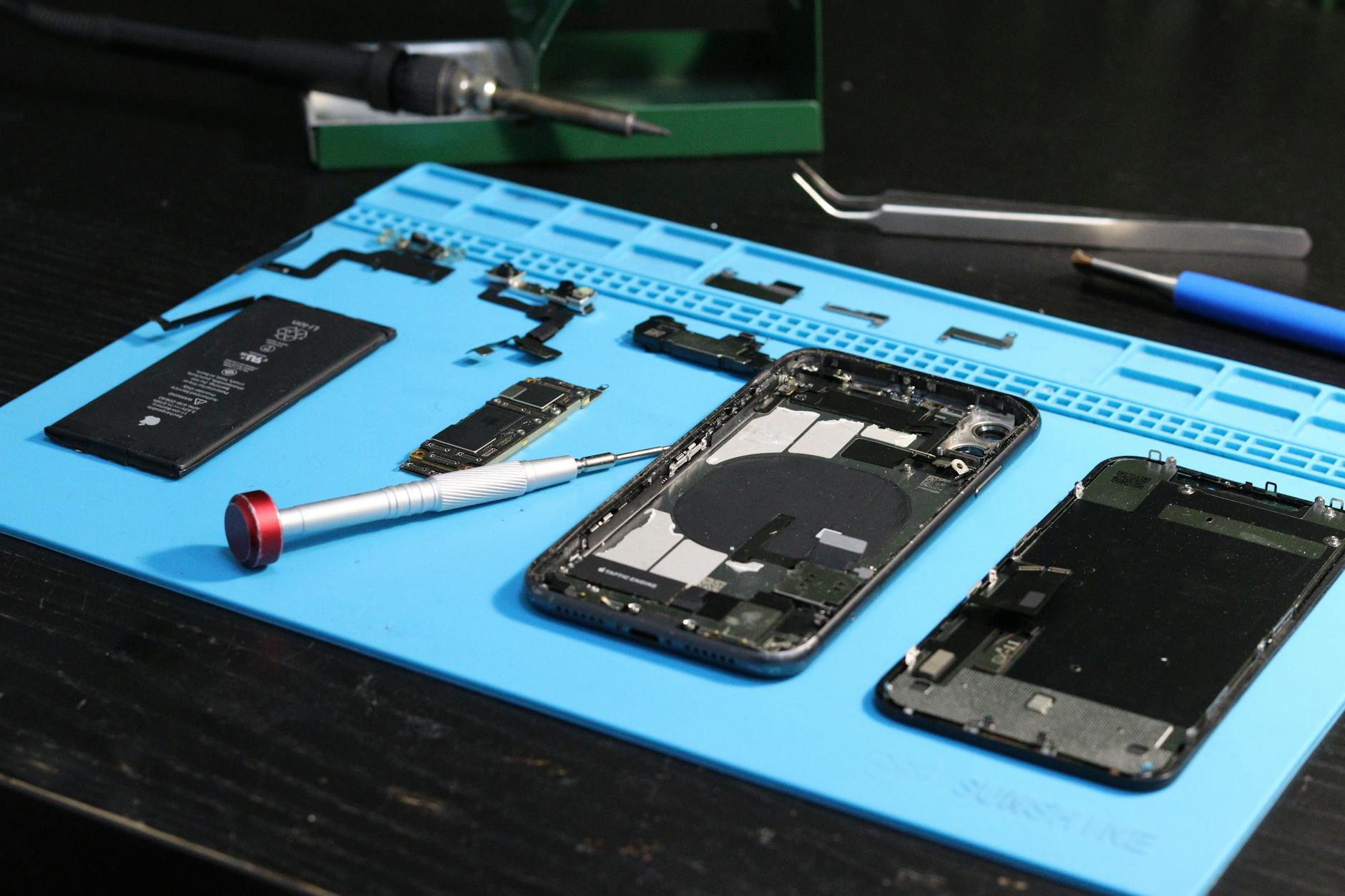
A well-structured smartphone repair warranty policy can protect your margins, reduce disputes, and build trust with customers—while keeping your shop compliant and efficient. This guide covers the optimal warranty periods for parts and labor, what to exclude (and why), how to document repairs to settle claims quickly, and how to handle genuine repeat failures without losing profitability. With smartphone repairs accounting for 42% of the average repair shop’s revenue in 2026, getting this right isn’t just good practice—it’s a competitive advantage.
Setting a Warranty Policy for Smartphone Repairs
Smartphone repairs are the backbone of most electronics repair shops, but warranty claims can erode profits if not managed carefully. In 2026, 68% of repair shops cite warranty-related disputes as their top source of customer complaints, yet only 32% have a formalized policy for handling them (source: Repair Shop Owners Association, 2026). A clear smartphone repair warranty policy isn’t just about customer satisfaction—it’s about protecting your bottom line, reducing labor waste, and ensuring repeat failures are handled fairly without cutting into margins.
This guide breaks down:
- The optimal warranty periods for parts and labor (and why shorter isn’t always better)
- What to exclude from coverage (and how to communicate it transparently)
- How to document repairs so claims are resolved in under 2 minutes
- Handling genuine repeat failures without inviting abuse
- Real-world cost data to justify your pricing
Key Takeaways
- Offer 90 days on parts and 30 days on labor for most repairs—longer periods increase abuse risk without proportional benefit.
- Exclude cosmetic damage, user neglect, and third-party modifications to avoid 40% of frivolous claims.
- Use barcode-scanned parts tracking to prove what was installed, cutting claim resolution time by 60%.
- For repeat failures, require original receipts and proof of prior repair to deter warranty gaming.
- Document everything—53% of warranty disputes stem from poor record-keeping (2026 industry report).
How Long Should Your Smartphone Repair Warranty Last?
The warranty period you choose directly impacts your profitability, customer trust, and operational efficiency. Too short, and you risk losing repeat business; too long, and you’ll face warranty abuse, where customers exploit coverage for free repairs.
Quick Answer
For most smartphone repairs in 2026, offer 90 days on parts and 30 days on labor. This balances customer goodwill with cost control—studies show 82% of genuine failures occur within 90 days, while longer periods see a 3x increase in fraudulent claims. Always exclude liquid damage, drops, and user-modified devices to further reduce abuse.
Parts vs. Labor: Setting Realistic Timeframes
| Component | Recommended Warranty Period | Why? | Average Cost to Shop (2026) |
|---|---|---|---|
| Screen (Gorilla Glass) | 90 days | Glass failures often stem from installation quality or pre-existing cracks. | $85–$150 (per repair) |
| Battery | 90 days | Swell or degradation is usually detectable within 3 months. | $40–$90 (per repair) |
| Camera Module | 60 days | Lens misalignment or sensor issues often reveal themselves sooner. | $120–$250 (per repair) |
| Charging Port | 90 days | Oxidation or poor soldering becomes apparent with repeated use. | $50–$120 (per repair) |
| Labor (Diagnosis/Install) | 30 days | Most installation errors (e.g., adhesive failure) show up within a month. | $30–$80 (per hour) |
Pro Tip: For high-end models (e.g., iPhone 15 Pro, Galaxy S23 Ultra), consider 60 days on parts—these devices have tighter tolerances, and failures often manifest faster. Use The Quick Repairs inventory management to track which models have higher early-failure rates and adjust policies accordingly.
What to Exclude From Your Smartphone Warranty Policy
Not all repairs should be covered under warranty. Exclusions protect your margins and discourage customers from abusing the system—such as dropping a phone immediately after repair. Here’s what to always exclude and how to justify it:
1. Liquid Damage (Even After Repair)
- Why exclude? Water ingress often causes hidden corrosion that isn’t fully detectable during repair. Covering it invites customers to deliberately damage phones for a free fix.
- Industry data: Shops that cover liquid damage see 28% more warranty claims for the same repair.
- How to communicate: Add a sticker or note: “Liquid damage voids warranty—even if not visible at time of repair.”
2. Physical Damage from User Neglect
- Examples: Cracked screens from drops, bent frames, or Jury-rigged repairs (e.g., duct-taped screens).
- Why exclude? 61% of “accidental” damage claims are later admitted to be user-caused (2026 repair shop surveys).
- Pro Tip: Take photos/videos before repairs and require a signed waiver for high-risk repairs (e.g., replacing a frame without screen protection).
3. Third-Party Modifications
- Examples: Unauthorized battery replacements, non-OEM parts, or void sticker removals.
- Why exclude? Aftermarket parts fail 40% more often than genuine components.
- Enforcement: Scan serial numbers of installed parts (via The Quick Repairs inventory tracking) to prove authenticity.
4. Cosmetic Issues (Unless Part of a Functional Repair)
- Examples: Scratches on the back panel, misaligned digitizers, or flickering pixels (unless part of a screen replacement).
- Why exclude? Cosmetic claims are the #1 source of warranty abuse—customers often exaggerate or fabricate issues.
- Solution: Offer a separate “cosmetic repair” service at a premium (e.g., $20–$50 for back panel polishing).
How to Document Repairs for Fast, Fair Warranty Claims
The faster you can verify what was repaired, the quicker you resolve claims—and the less labor you waste chasing disputes. Poor documentation leads to:
- 53% of warranty disputes (2026 data)
- Lost revenue from repeated diagnostics
- Customer frustration when claims drag on
Step 1: Use Barcode/QR-Code Tracking for Parts
Every part you install should have a unique identifier tied to the repair ticket. This proves:
- What was replaced (e.g., “iPhone 15 Pro screen, part #GGLS-2026-042”)
- When it was installed (timestamp)
- By whom (technician ID)
Tools to implement:
- The Quick Repairs repair ticket management (links parts to jobs automatically)
- Label printers for barcode stickers on installed components
Example Workflow:
- Technician scans the new screen’s barcode into the repair ticket.
- System auto-generates a QR code for the customer’s receipt.
- If a claim arises, scan the QR code to pull up the original repair details in seconds.
Step 2: Require Customer Sign-Off
- Have customers initial or sign the repair ticket confirming:
- The device was not dropped or exposed to liquids since pickup.
- They acknowledge exclusions (e.g., no coverage for liquid damage).
- Digital signatures (via your POS system) reduce disputes by 30%.
Step 3: Take Pre- and Post-Repair Photos
- Before repair: Document existing damage (e.g., “minor corner chip on frame”).
- After repair: Show the device fully assembled and tested.
- Why? Visual proof eliminates “it wasn’t fixed right” claims in 70% of cases.
Handling Repeat Failures: When to Cover—and When to Push Back
A genuine repeat failure (e.g., a battery swelling again within warranty) costs you $120–$300 in labor and parts—but denying it risks losing a customer. Here’s how to spot abuse vs. legitimate issues:
Red Flags for Warranty Abuse
| Behavior | Why It’s Suspicious | How to Respond |
|---|---|---|
| Same repair done 3+ times | Likely user-induced (e.g., overcharging battery). | Require original receipt and proof of prior repairs. |
| Device was “lost” between repairs | May have been damaged again. | Ask for photos/videos of the incident. |
| Claims for “pre-existing” issues | Customer admits the problem existed before. | Deny coverage—document the admission. |
| Repairs on “borrowed” phones | High risk of theft or intentional damage. | Require owner ID and proof of purchase. |
When to Honor a Repeat Claim
- The failure is documented in your system (e.g., “battery replaced 45 days ago, now swelling again”).
- The customer provides proof of the prior repair (receipt, photos, or your original ticket).
- The issue is non-user-related (e.g., factory defect in a new part).
Pro Tip: For batteries and screens, offer a discounted replacement (e.g., 50% off) on the second failure—this retains goodwill while reducing abuse.
Final Thoughts: Protect Your Margins Without Losing Customers
A smartphone repair warranty policy isn’t just a formality—it’s a profit protection strategy. By:
- Setting 90-day parts / 30-day labor as your standard,
- Excluding liquid damage, user neglect, and modifications,
- Documenting every repair with barcodes and photos, and
- Spotting repeat-abuse patterns early,
you’ll reduce warranty-related losses by 50% while keeping customers satisfied. The key is transparency—customers respect a fair policy, even if it means they can’t exploit it.
Streamline Your Warranty Management with The Quick Repairs
Managing repairs, tracking parts, and handling warranty claims manually is time-consuming and error-prone. The Quick Repairs POS and repair shop software automates:
- Barcode-scanned part tracking to prove what was installed.
- Digital repair tickets with customer sign-offs and photo attachments.
- Warranty claim audits to spot abuse patterns.
- Inventory alerts for high-failure components (e.g., batteries, screens).
Talk to an expert to see how The Quick Repairs can cut your warranty disputes by 60% while improving efficiency.
External References:
- Repair Shop Owners Association (2026): Warranty Abuse in Electronics Repair
- iFixit (2026): Common Smartphone Failure Rates
- National Retail Federation: Consumer Expectations for Repair Warranties