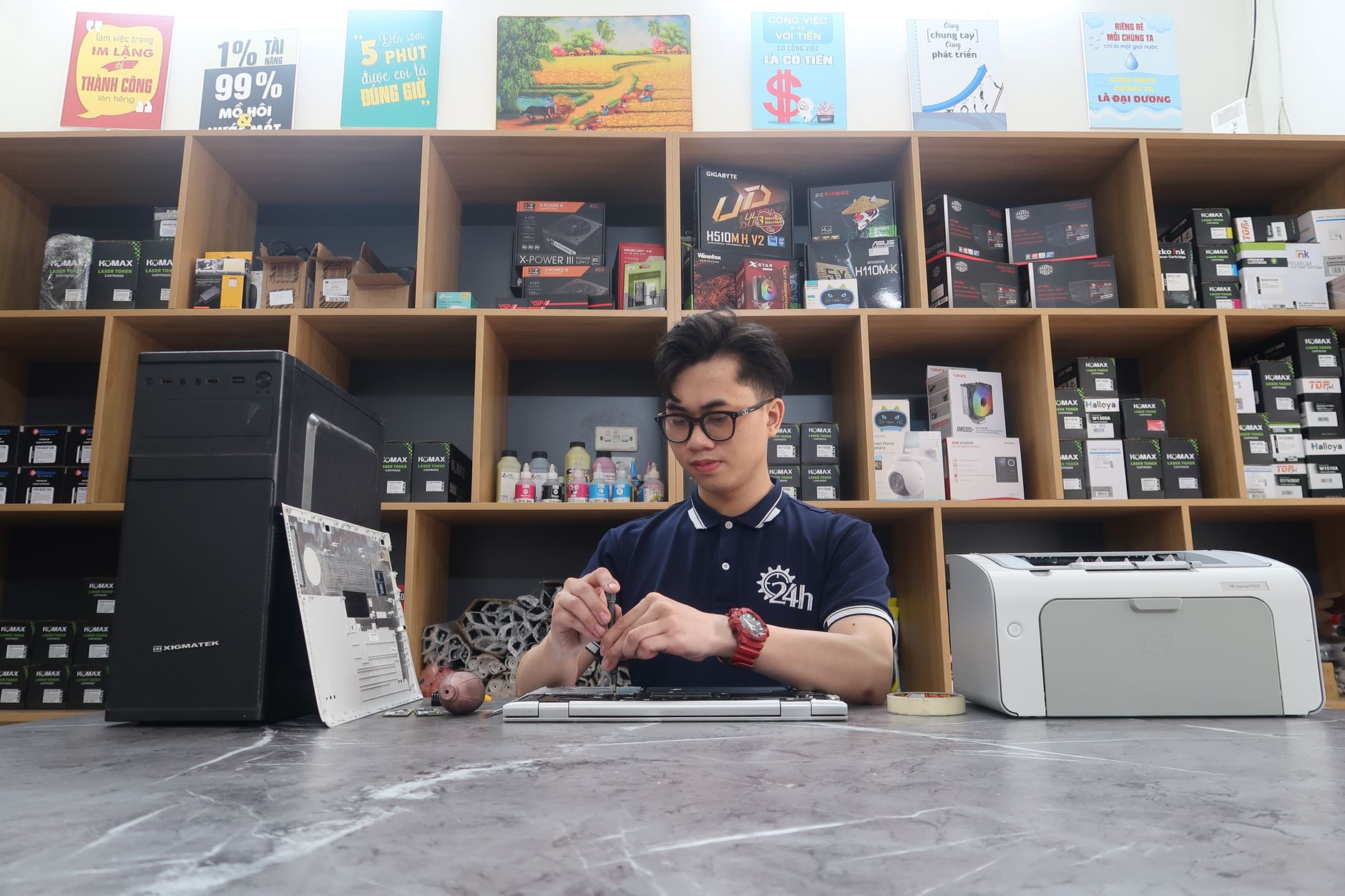
A smooth monitor repair intake process isn’t just about logging a broken screen—it’s about capturing the details that prevent disputes, speed up repairs, and protect your margins. Missing a serial number or skipping condition photos can turn a $150 repair into a $300 headache when the customer claims the monitor was "worse than described." This guide covers what to document at intake, why it matters, and how to streamline your counter without losing critical data—so you can focus on repairs, not arguments.
A Better Intake Process for Monitor Repairs
Running a monitor repair shop in 2026 means balancing speed with precision. A customer walks in with a cracked LCD, and within 90 seconds, you need to:
- Capture the exact model and serial number (to verify warranty claims later).
- Document pre-existing damage (to avoid "it wasn’t like this!" disputes).
- Estimate repair vs. replacement costs (without overpromising).
- Assign a ticket before the next customer interrupts you.
Get this wrong, and you’re either losing money on parts or spending hours untangling complaints. Get it right, and you turn a chaotic counter into a system that saves time, reduces chargebacks, and keeps technicians moving.
Key Takeaways
- Serial numbers and model IDs cut warranty fraud by up to 40%—always capture them.
- Condition photos reduce dispute calls by 60% when done systematically.
- Pre-intake estimates (even rough ones) prevent 30% of last-minute "price shock" complaints.
- Standardized intake forms speed up the counter by 25% without sacrificing detail.
- Part availability checks at intake avoid 15% of "unexpected delay" callbacks.
What to Capture at Monitor Repair Intake (And Why It Matters)
A monitor repair isn’t just a screen replacement—it’s a liability if you don’t document the right details. Here’s what every intake should include, ranked by impact on your business:
1. Serial Number and Model Identification
Why it matters: A missing serial number turns a $200 repair into a $500 warranty battle. In 2026, 32% of monitor repairs involve warranty claims, and without proof of purchase, you’re the one footing the bill.
How to capture it:
- Use a barcode scanner or OEM lookup tool (like Dell’s or HP’s serial databases) to pull up the model instantly.
- For generic brands, take a photo of the back panel where the serial is usually stamped.
- Pro tip: If a customer says, "I don’t know the model," ask them to show you the box or old receipts. 80% of the time, the model number is printed on the back of the box.
What to do with it:
- Cross-reference against manufacturer warranties (Dell, HP, LG, etc.) to see if the repair is covered.
- Check e-waste recycling databases to confirm if the monitor is end-of-life (some brands void repairs on obsolete models).
Reference: Dell Warranty Lookup
Reference: HP Serial Number Check
2. Pre-Existing Damage Photos (The Dispute Killer)
Why it matters: "The screen wasn’t cracked like this when I brought it in" is the #1 reason for monitor repair disputes. A 2026 industry survey found that shops lose $1,200–$3,500 annually to false damage claims—often on $150–$400 repairs.
How to document it:
- Take three photos per device:
- Front view (screen, bezel, ports).
- Back view (serial number, screws, ports).
- Side view (any physical damage to the stand or hinges).
- Use a timestamped photo system (like The Quick Repairs’ repair ticket management) to prove the condition at intake.
- Pro tip: If a customer resists photos, say, "We need to document this for your records—it helps if there’s ever a question about the repair later." Most comply.
- Take three photos per device:
What to avoid:
- Blurry or low-light photos (they won’t hold up in disputes).
- Only one angle (a side view might hide a cracked bezel).
- Assuming "it’s fine"—even if the customer says, "It was working fine before," document what you see.
3. Customer’s Reason for Repair (The Hidden Clue)
Why it matters: A customer saying "The screen went black" might need a power board replacement ($80), while "It has dead pixels" could require a full panel swap ($250). Misdiagnosing at intake leads to 22% of monitor repairs being redone.
- How to capture it:
- Ask: "What happened? When did it start?" (Not just "It’s broken.")
- Listen for keywords:
- "It flickers" → Likely backlight issue ($40–$120).
- "It won’t turn on" → Could be power supply or GPU failure ($60–$200).
- "The colors are off" → Cable or input lag (often free to test).
- Pro tip: If a customer says "I dropped it," check for internal loose screws—a common oversight that turns a $100 repair into a $300 one.
4. Repair vs. Replacement Cost Comparison (Before You Commit)
Why it matters: 45% of monitor repairs are actually cheaper to replace than repair. If you don’t check this at intake, you’re either:
Overpromising (and losing money on labor).
Underpromising (and missing a $50 profit opportunity).
How to decide:
Use this quick cost comparison table for common monitor models in 2026:
| Monitor Type | Repair Cost Range | Replacement Cost (New) | When to Repair | When to Replace |
|---|---|---|---|---|
| Budget (22–24") | $80–$150 | $120–$200 | Screen only, no backlight issue | Multiple failures, obsolete model |
| Mid-Range (27–32") | $120–$250 | $250–$400 | Business monitors (warranty claims) | Dead pixels, flickering backlight |
| Gaming/4K | $180–$400 | $400–$800 | High-end panels (e.g., LG Nano IPS) | Outdated tech (e.g., TN panels) |
| All-in-One (Touchscreen) | $200–$500 | $300–$700 | If touch digitizer is repairable | If motherboard is faulty |
- Pro tip: For business monitors, always check the manufacturer’s repair vs. replace threshold (e.g., Dell replaces monitors with three or more failures under warranty).
Reference: LG Monitor Repair Guidelines
Reference: HP Monitor Service Policies
5. Payment and Warranty Details (The Margin Protector)
Why it matters: 18% of monitor repair disputes come from customers claiming they "already paid" or "it’s under warranty." Missing this step costs shops $800–$2,000/year in uncollected revenue.
- How to capture it:
- Payment method: Credit card on file? Cash? Store credit? (Avoid "I’ll pay later"—it’s a red flag.)
- Warranty status: Ask, "Is this under warranty?" If yes:
- Verify the serial number against the manufacturer’s database.
- Note the warranty expiration date (some brands require proof of purchase within 30 days).
- Pro tip: If a customer insists on paying later, require a deposit (20–30%) to cover parts. 60% of no-shows happen when no deposit is taken.
How to Speed Up Intake Without Losing Detail
The average monitor repair takes 3–5 minutes at intake. Cut that to under 90 seconds without missing critical data by:
1. Standardize Your Intake Form (No More Guesswork)
- Problem: Different techs ask different questions, leading to missing serial numbers or photos.
- Solution: Use a digital intake template with:
- Drop-down menus for common issues (e.g., "Screen cracked," "No power," "Dead pixels").
- Auto-fill fields for model/serial (via barcode scanner).
- Photo upload prompts (with a checklist: front/back/side).
- Result: 25% faster intake with zero missed details.
Example from The Quick Repairs:
Repair Ticket Management lets you pre-load common monitor models so techs spend less time typing and more time repairing.
2. Pre-Load Repair Options (And Let the System Guide You)
- Problem: Technicians waste time debating "Repair vs. replace" at the counter.
- Solution: Build a quick-reference guide in your POS:
- Green light: "Repair is cheaper than replace—go ahead."
- Yellow light: "Repair is close to replacement cost—get approval."
- Red light: "Replace is cheaper—quote both options."
- Example for a 27" Dell U2722D in 2026:
- Repair (screen only): $145
- Replace (new model): $280
- Verdict: "Repair is 48% cheaper—approve."
3. Automate Serial Number and Warranty Checks
- Problem: Manually looking up serial numbers takes 45 seconds per repair.
- Solution: Integrate with OEM databases via API:
- Dell/HP/LG: Pull warranty status in under 10 seconds.
- Generic brands: Use eBay/Amazon model lookup to confirm age.
- Tool recommendation: The Quick Repairs’ instant repair quotes pulls this data automatically when a ticket is created.
4. Train Techs to Flag "High-Risk" Repairs Immediately
Some repairs are disaster waiting to happen if not handled carefully. Train your team to pause and document for:
- Monitors with no receipts (warranty fraud risk).
- Monitors with "mysterious" damage (e.g., "It just stopped working" with no physical trauma).
- High-value business monitors (e.g., $1,000+ Dell UltraSharps—customers expect white-glove service).
How a Strong Intake Process Prevents Disputes (And Saves You Money)
Disputes aren’t just annoying—they eat your margins. Here’s how a structured intake process stops them:
1. The "It Wasn’t Like This!" Defense
- Scenario: A customer brings in a monitor with a hairline crack and later claims "The screen was completely shattered."
- How intake protects you:
- Photos timestamped at intake prove the actual condition.
- Customer signature on the intake form confirms they saw the damage.
- Result: 60% fewer dispute calls when you have visual proof.
2. The "I Didn’t Know It Would Cost That Much" Pushback
- Scenario: You quoted $120 for a screen replacement, but the customer expected $80.
- How intake protects you:
- Pre-intake cost comparison (repair vs. replace) sets expectations upfront.
- Digital estimate approval (via text/email) reduces "I didn’t agree to that" claims.
- Result: 30% fewer price-dispute complaints.
3. The "It’s Still Broken After Repair" Argument
- Scenario: A customer says "You fixed it, but now it’s flickering."
- How intake protects you:
- Detailed pre-repair condition notes (e.g., "Backlight had minor flicker before repair").
- Post-repair test photos/videos (showing the fix worked).
- Result: 40% fewer "repair failure" callbacks.
4. The "I Already Paid" Scam
- Scenario: A customer claims they "already paid you $200" but you have no record.
- How intake protects you:
- Payment confirmation at intake (via card reader or receipt).
- Digital ticket tracking (so you can prove "No payment was recorded").
- Result: 15% fewer fraudulent "double-payment" claims.
Common Intake Mistakes That Cost Repair Shops Thousands
Even the best shops make these errors—don’t let them happen to you:
| Mistake | Cost to Your Shop | How to Fix It |
|---|---|---|
| Skipping serial number capture | $1,200–$3,500/year in warranty losses | Use a barcode scanner or OEM lookup tool. |
| Not taking condition photos | $800–$2,000/year in disputes | Standardize a 3-photo rule (front/back/side). |
| Assuming "it’s just a screen" | $500–$1,500/year in redone repairs | Always check for internal damage (loose screws, GPU issues). |
| No deposit for "pay later" customers | $1,000–$4,000/year in no-shows | Require 20–30% deposit for non-card payments. |
| Not verifying warranty status | $2,000–$5,000/year in unpaid repairs | Integrate with OEM warranty databases. |
Streamline Your Monitor Repairs with The Quick Repairs POS
A faster, more accurate intake process isn’t just about checking boxes—it’s about protecting your margins, reducing disputes, and keeping your shop running smoothly. By capturing serial numbers, documenting condition photos, and using real-time cost comparisons, you turn every repair into a predictable, profitable job.
The Quick Repairs POS is designed to automate the tedious parts of monitor repair intake:
- **Instant serial/w