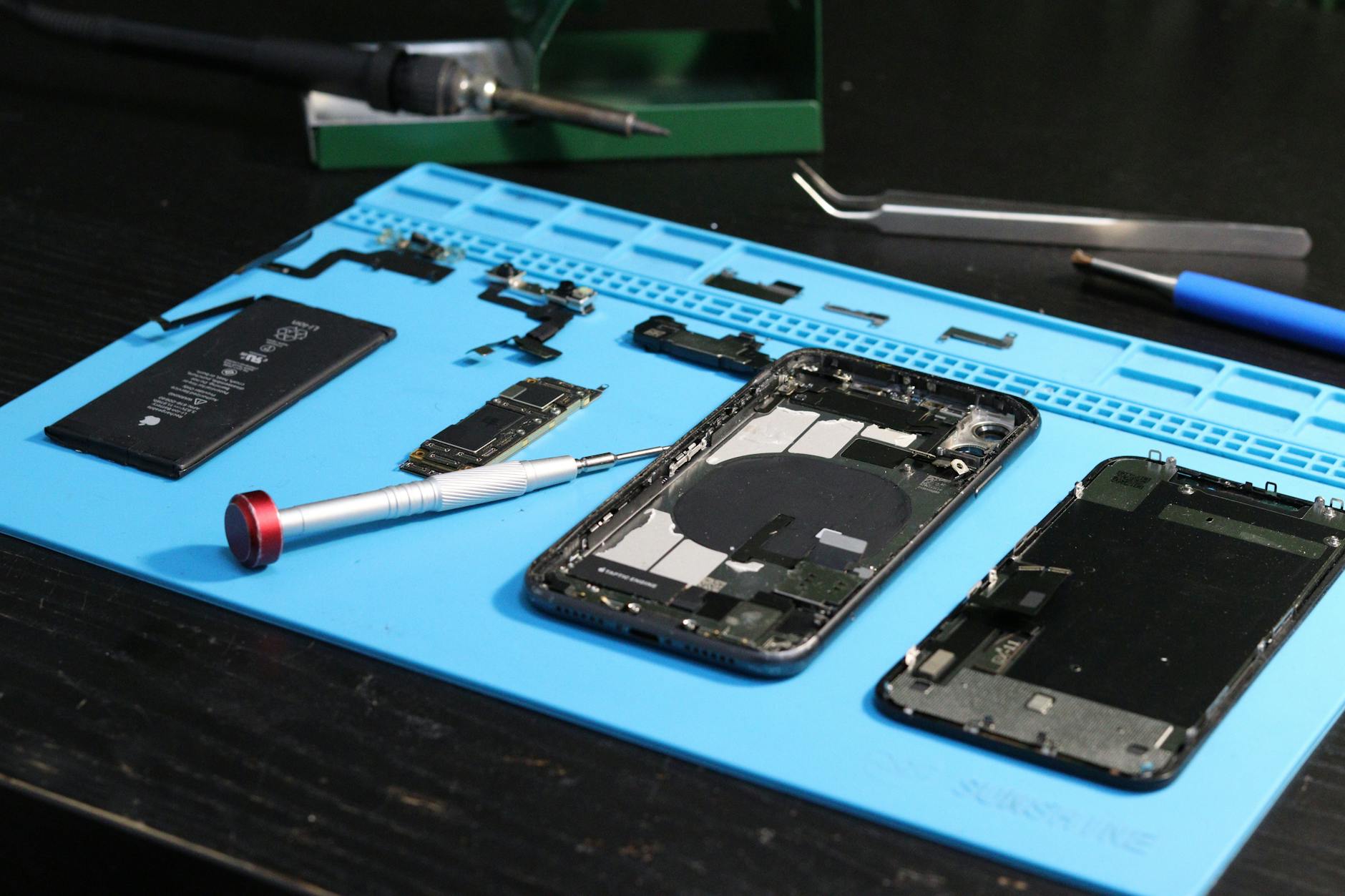
Most articles about repair shop software costs stop at the monthly figure. That number is the easiest part of the decision and rarely the part that hurts. What decides whether the software was worth buying is the shape of the bill twelve months in: who ends up needing a login, what the migration costs you in lost evenings, and whether the plan you started on still fits once your second bench is busy.
This is a guide to the whole cost, written for the person who signs off the invoice rather than the person who configures the system.
What are you actually paying for when you buy repair shop software?
You are paying for three separate things, and they are usually bundled into one figure that hides which is which.
The first is the record itself: a ticket that survives the customer walking out, the technician going on holiday and the phone call three weeks later asking what happened. That is the part a paper book does badly, because a notebook has no idea which device belongs to which repair or which parts were consumed.
The second is the connective tissue: stock that goes down when a part is fitted, an invoice that already knows what the job consumed, a customer record showing this is the fourth screen they have broken. Each of these is individually replaceable by discipline. Collectively they are not, because discipline fails on the busy Saturday, which is exactly when the errors are expensive.
The third is what you are not buying: the hours you currently spend reconciling. If you total a day's takings by hand, or work out a technician's productivity by scrolling through job sheets, that is unpaid administrative time you have already decided to spend. Software moves it to the moment the work happens, where it costs seconds instead of an evening.
Pricing pages describe the first two. The third is where the money actually is, and only you can put a figure on it.
Why per-user pricing catches shops out in month three
Per-user pricing looks fair at the point of sale. You have two technicians, you pay for two seats, and the cost scales with the business. The trouble is that repair shops do not have a stable number of users — they have a stable number of benches and a rotating cast of people standing at them.
Here is the mechanism. You sign up with two logins. Then the Saturday assistant needs to book a device in, so they share a login, which means every ticket they raise is attributed to someone who was not there. Three months later you cannot tell who took the deposit that went missing, because the audit trail names a person who was at home that day. You either buy a third seat you use eight hours a week, or you accept that your records are wrong in a way you will only discover during an argument.
The same trap appears with a bookkeeper who needs read-only access for two hours a month, and with an owner who wants reporting on their phone without occupying a technician's seat.
The question to ask a vendor is not "how much per user" but "what happens when a part-time person needs to raise a ticket". If the honest answer is "buy another seat", price the plan at the number of people who will ever touch it, not the number of full-time staff.
The costs that do not appear on the pricing page
Four of them, in rough order of how often they are underestimated.
Getting your existing data in. Every shop has a customer list somewhere — a spreadsheet, an old system's export, a notebook. Cleaning it is the job nobody budgets for. Duplicate customers with three spellings of the same surname, products with no cost price recorded because nobody ever needed it. This work is yours to do, because only you know which "J Smith" is which.
The fortnight of running two systems. Nobody switches cleanly. For a week or two you will record the same job twice, once in the new system and once in the way you trust, because you do not yet believe the new one. That double entry is a real cost in staff time, and it is temporary only if you set a date to stop and hold it.
Hardware that turns out not to be optional. A receipt printer that speaks the right protocol. A barcode scanner if you intend to scan. None of these are software costs, and all of them arrive in the same month.
Training time you cannot recover. Not the two hours of setup, but the fortnight where every task takes slightly longer because muscle memory is gone. What varies between systems is how long that fortnight lasts.
Monthly or annual: the trade-off nobody spells out
Annual billing is cheaper per month. The reason it is cheaper is that you are taking on risk the vendor otherwise carries — the risk that the software turns out not to suit you.
That trade is often worth making, but only after you have run a full cycle through the system. A repair shop's year is not uniform: the pre-Christmas rush, the quiet fortnight in January, the month you take on a corporate contract and suddenly need multi-site reporting. Software that suits you in a quiet March may creak in a busy December.
The sensible order is monthly first, through at least one busy period, then annual once you know. The saving is still there when you make it; the flexibility is not still there once you have paid.
| Monthly | Annual | |
|---|---|---|
| Cost per month | Higher | Lower |
| Who carries the risk of a bad fit | The vendor | You |
| Sensible when | You have not yet run a busy period through it | You have, and it held up |
| What it costs to leave | One month | The remainder of the term |
There is one exception. If you are leaving a system you have already outgrown for reasons you can name precisely, you have effectively done the evaluation, and taking the annual saving up front is reasonable.
What does The Quick Repairs cost?
Our plans are:
- Basic — £18 per month, or £14.40 per month billed annually.
- Standard — £32 per month, or £25.60 per month billed annually.
- Premium — a custom quote, for shops whose requirements do not fit a standard plan.
What separates them is scope rather than access to the basics: the repair ticketing, inventory and invoicing that make the system worth having are not held back as an upsell. The full breakdown of what each plan includes is on our pricing page, and the feature list covers what the system does in detail.
If you are weighing this against what you currently spend, the comparison to make is not against another subscription. It is against the cost of the way you work now: the hours spent reconciling a till, the parts written off because nobody recorded them against a job, the deposit that was taken but never logged. Those are real numbers in your business and you can estimate them tonight.
For anything unusual — several sites, an existing system to migrate from, a workflow that does not look like a standard repair shop — tell us what you are working with and we will tell you honestly whether we fit.
How do you work out whether it pays for itself?
Do not start with the subscription. Start with the leak you can name.
Pick the single failure that costs you most often. For most shops it is one of three: parts fitted but never charged, deposits taken but not recorded, or repeat customers treated as strangers because nobody could find their history.
Now put a number on one instance. A part fitted and not charged costs you its cost price, not its retail price — that is the money that actually left. Say a screen assembly costs you £45 trade. If that happens twice a month, the leak is £90 a month. Against a £32 per month plan, the software pays for itself on one failure mode, before you count anything else.
Treat that as an illustration and replace the figures with your own — the point is the method. If you cannot estimate how often it happens, that is itself the finding: you have no visibility, and the first month of records will tell you.
Be sceptical of the reverse calculation, where a vendor multiplies your ticket volume by a time saving they invented. You know your leaks. Price against those.
For the same arithmetic applied to the work rather than the software, our guide to whether laptop repair work is actually profitable runs the margin side.
When is the cheapest option genuinely the right one?
More often than software companies like to admit.
If you are a single technician working alone, with no staff to hold accountable and little stock to speak of, a disciplined notebook and a receipt book will not lose you money. The failures that software prevents — attribution disputes, stock drift, forgotten deposits — mostly need a second person to occur. Alone, you are the system.
What changes the answer is a second pair of hands. The moment someone else can book a device in, take a payment or fit a part, you need a record that does not depend on both of you remembering the same thing. That is the threshold, not a turnover figure.
The other trigger is a second location, where the failure is different: stock that exists on paper at one site and physically at another. No amount of discipline fixes that, because the person who needs the answer is not in the room with the shelf.
If neither applies yet, wait — but keep your records in a form you can export cleanly when it does. Adopting software early costs little. Adopting it with three years of unstructured notes behind you means the migration described above, and that one is genuinely painful.